
Mesh Wi-Fi Explained
“How Smart Networking Eliminates Dead Zones and Delivers Seamless Connectivity”
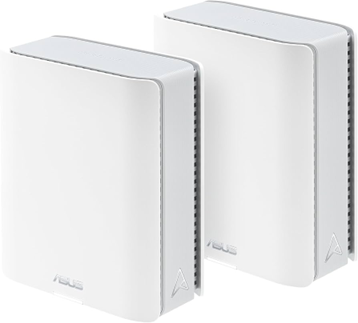
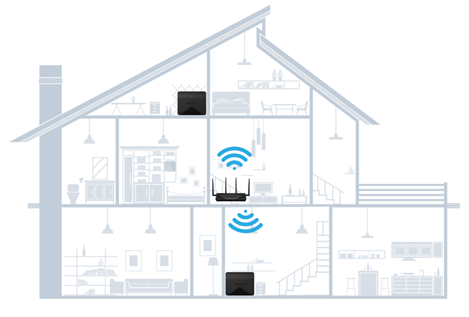
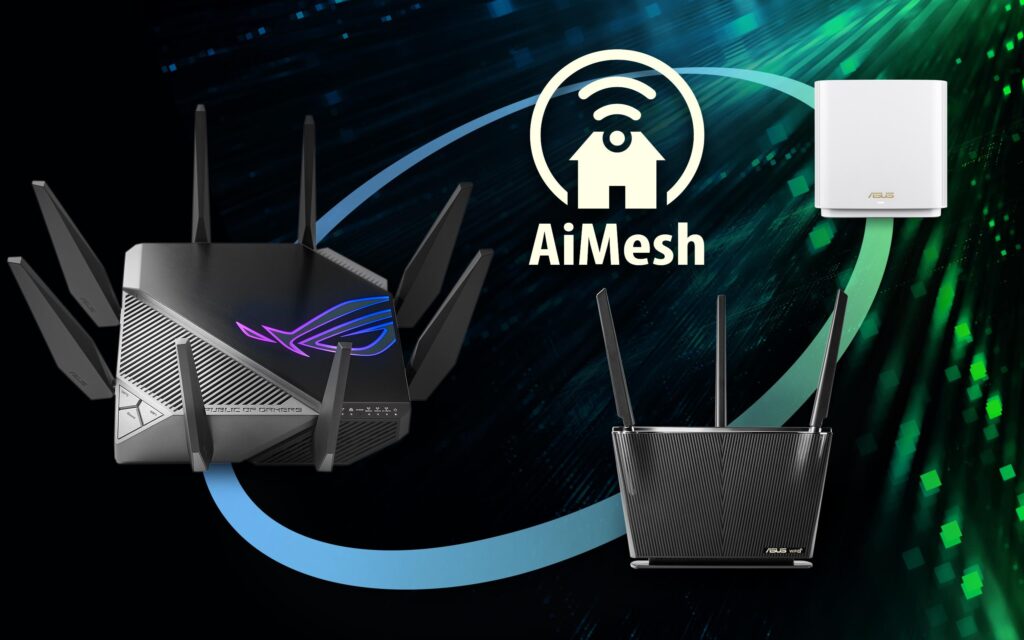
ASUS ZenWiFi BD5 routers use AiMesh technology to create a seamless, whole-home Wi-Fi network. When you have two BD5 units, one acts as the primary router connected to your modem, and the other becomes a mesh node to extend coverage. This setup ensures strong, consistent Wi-Fi throughout your home or office without dead zones

Connection Options
• Wireless Backhaul: The routers communicate over Wi-Fi. Ideal for homes without Ethernet wiring.
• Wired Backhaul: Connect the two units via Ethernet for maximum speed and stability. BD5 supports 2.5Gbps ports, enabling multi-gig wired backhaul without needing a switch.
Performance Features
• Wi-Fi 7 Support: Dual-band (2.4 GHz & 5 GHz) with speeds up to 5000 Mbps, thanks to advanced features like Multi-Link Operation (MLO) and 4096-QAM for efficient data transmission.
• Coverage: Two BD5 units can cover a large home or office, up to 15,000 sq. ft. when optimally placed.
• Smart Backhaul Selection: AiMesh automatically chooses the best path (wired or wireless) for data transmission
Why Mesh Helps
• Multiple Nodes for Coverage
Unlike a single router, a mesh system uses multiple nodes placed throughout your home. Each node communicates with the others, creating a “mesh” network that distributes the signal evenly. This reduces the need for the signal to pass through multiple thick walls from one central point.
Dynamic Routing
Mesh systems intelligently reroute traffic through the best available node, so if one path is blocked by a thick wall, the system can use another node to maintain strong connectivity
Challenges with Thick Walls
Signal Absorption
Materials like brick, concrete, and metal significantly weaken Wi-Fi signals. The more walls and the denser the material, the greater the interference.
Does mesh wi-fi help with thick walls
Yes, mesh Wi-Fi can significantly help with thick walls, but there are some important considerations:
Strategic Node Placement
Place nodes in open areas and near doorways rather than behind walls or in closets. This minimizes obstruction and maximizes coverage.
________________________________________
.
Use Wired Backhaul if Possible
Connecting nodes with Ethernet (wired backhaul) ensures maximum speed and stability, especially in homes with very thick walls. [threeheartshome.com]
Choose Advanced Mesh Systems
Systems with Wi-Fi 6 or Wi-Fi 7, tri-band support, and high-gain antennas perform best in challenging environments. Examples include TP-Link Deco XE75, NETGEAR Orbi, and ASUS ZenWiFi series.
________________________________________
Bottom Line
Mesh Wi-Fi does help with thick walls, but optimal performance depends on:
• Number of nodes
• Placement strategy
• Features like wired backhaul and advanced Wi-Fi standards
Book Your complimentary onsite visit today
